Claude Code will happily build you a working mobile app in an afternoon.
It will also make that app look like every other AI-built app on the App Store. Purple gradients, generic cards, the exact screens everyone else is shipping.
That gap is what vibe design fixes: you give your coding agent references and a tight feedback loop, and it designs screens people would actually pay for before it writes a single line of production code.
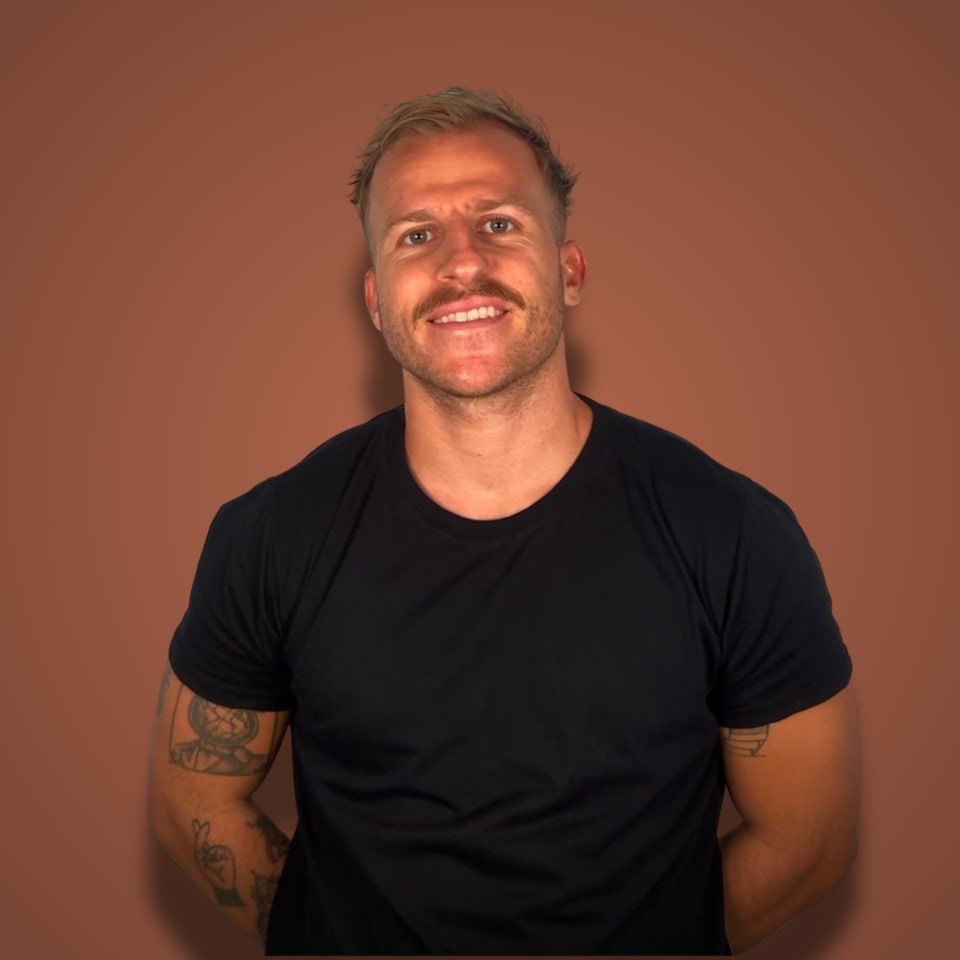
Mattia Pomelli just demoed the whole thing on Starter Story Build. Idea to designed, working calisthenics app in about an hour. Without ever leaving Claude Code.
Here's the full video, then I'll break down his 6 steps and what I'd steal from each one.
The Designer Who Hit $10K MRR in 6 Weeks
Quick context on why Mattia is worth listening to.
He's been building tools in the design space for about two years. His current product is Sleek (sleek.design), an AI tool that designs mobile apps from a prompt.
He built Sleek in three weeks. Six weeks after launch it was at $10K MRR.
So when he says "this is how I design apps now," that's not a guru selling a course. That's a founder whose whole business depends on this workflow being real.
This was also his second time on the channel. The first episode, about five months ago, was a multi-tool MVP build. I wrote that one up too: how to design an app with AI so it doesn't look like AI slop.
What Changed in 5 Months: 10 Tools Became 1 Agent
The most interesting part of the episode isn't the app. It's the shift in how the work gets done.
Five months ago, Mattia's workflow was tool-stitching. Design in one tool, generate assets in another, export, import, glue it all together.
Now? Everything happens inside Claude Code.
His exact framing: agents like Claude Code and Codex got powerful enough that you'd rather configure one agent to do everything than juggle 10 tools at once.
And his other point hits harder. "Software is not the moat" gets thrown around a lot, and he agrees: with AI, everyone can build. What's left is distribution and product quality. Design is one of the few places a solo founder can still visibly out-execute.
So here's the 6-step workflow he ran, start to finish.
Step 1: Steal Taste From Mobbin
The build target: a calisthenics workout app. Mattia already used one daily, but the design was average. Functional, forgettable.
He starts every project with two kinds of references:
- A functional reference. The app he already uses. It proves the feature set works.
- Style references. Screens that show how the new app should look and feel.
For style, he goes to Mobbin, a curated library of screens from real, successful apps. He scrolled the fitness category and picked two: a push-ups app for its layout and typography, and Gymshark for its color palette.
One tip if you have zero design taste: screenshot a bunch of options, drop them all into Claude, and ask it which fits your app best.
→ You don't need to invent a visual style. You need to pick two good references and know what you like about each.
Step 2: Install a Design Skill
Out of the box, Claude Code designs like every other agent. Ask for a workout app and you get the same screens everyone else gets.
So Mattia's team packaged their design knowledge into a skill. It teaches mobile design taste to Claude Code, and adds image generation and proper icon sets on top.
Install is one pasted prompt from sleek.design. The first generation is free; after that the skill comes with Sleek's paid plans.
If skills are new to you, I broke down the mechanics here: how Claude skills work. Short version: a skill is a folder of instructions your agent loads when the task matches. This one happens to contain a designer's taste.
Step 3: Design One Screen, Not the Whole App
This is the step most people get wrong.
Mattia never asks for the full app upfront. His prompt covers the app idea, the features that matter, and the references, with a note on what he likes about each one ("from this one, the layout and typography; from Gymshark, the colors").
Then he asks for exactly one screen. The main one.
His reasoning: if you design all screens at once and then change direction, every edit gets slower and more error-prone (and burns tokens). Nail the style on one screen first.
Claude proposed a 5-screen structure, asked a few clarifying questions (a good sign, he says: you want back-and-forth with your agent), and started designing. About 10 to 15 minutes of tweaking colors and icons later, the home screen was done, previewed right inside the Claude app's built-in browser.
Step 4: Ask for Variations Before Committing
With the home screen looking good, Mattia did something most builders skip: he asked for two wilder variations of the same screen. Different colors, typography, layout. Still anchored to the references, but pushed further.
One came back in light mode. He rejected it and kept his original forest-green direction, with a layout idea borrowed from a variation.
This variation loop is the heart of vibe design:
→ Generate variations until you stop wanting changes. Only then scale the style to the rest of the app.
A variation costs you one prompt. Committing to the wrong direction costs you a redesign across every screen.
Step 5: Design Every Other Screen
Once the direction was locked, the prompt got short: "now let's design the other screens."
One specific request: the exercise picker should use illustrations showing how each exercise is done. Claude recommended an illustration style, generated the set, and a preview refresh later there were five connected screens. Workout config, exercise list with illustrations, timer, the lot.
They weren't perfect. Some extra white space here, a text bug there. Mattia flagged them and moved on, because polish comes after the build works.
Step 6: Turn HTML Designs Into a Real React Native App
Here's the catch with AI design: it outputs HTML. Real mobile apps are React Native.
Mattia's bridge is a starter repository on GitHub with a CLONE.md full of conversion instructions. The workflow:
- Tell Claude Code to clone the starter repo into an app folder.
- Prompt: "Now let's create the actual app. Use the design screenshots and the code from Sleek and turn it into a functional app. Read the CLONE.md first."
- Wait 10 to 15 minutes.
The result was a working MVP on his phone. Screens connected, workouts start and save, the design survived the translation.
Total time from idea to working app: about an hour. Next steps from there are onboarding, a paywall, and App Store submission.
What I'd Take From This
Mattia's closing advice was the least technical part of the episode, and the most important: step back and figure out how you'll stand out from every other app doing the same thing. That can be design. That can be distribution. But you need something.
Because the uncomfortable math is this: if he can go from idea to good-looking MVP in an hour, so can a thousand other people in your niche.
Design buys you the first impression. Distribution does the rest, and most builders have nothing waiting after someone downloads the app (no list, no follow-up, nothing). If that's you, start with some basic lead nurturing strategies so the people who try your app actually come back.
The one-hour build is the easy part now. Standing out is the actual job.
FAQ
What is vibe design?
Vibe design is designing an app's screens with an AI agent the same way vibe coding builds the code: you supply references, taste, and feedback in a loop, and the agent produces the actual designs. In this workflow it happens inside Claude Code with a design skill installed, so design and build live in one place.
Do you need design skills to use this workflow?
No, but you need opinions. Mattia's process replaces design skill with reference-picking: find two screens you like on Mobbin, say what you like about each, and let the agent handle execution. If you can't choose references, drop candidates into Claude and ask it to pick for your use case.
How long does it take to build an app this way?
The full run in the video took about an hour: 10 to 15 minutes to design the main screen, a variation round, a batch design of the remaining screens, then 10 to 15 minutes converting everything into a working React Native app from a starter repo. That's an MVP, not a store-ready app; onboarding, paywall, and submission come after.
Why not just ask Claude Code to design the whole app at once?
Because changes get expensive. If the style is wrong across eight screens, you're re-prompting eight screens. Designing the main screen first means you iterate on one screen until the direction is right, then apply it everywhere in a single pass.
Want more teardowns like this?
Every week I interview bootstrapped founders making $100K to $10M a year and pull their playbooks apart on the Profitable Founder Podcast.
Listen to the latest episode