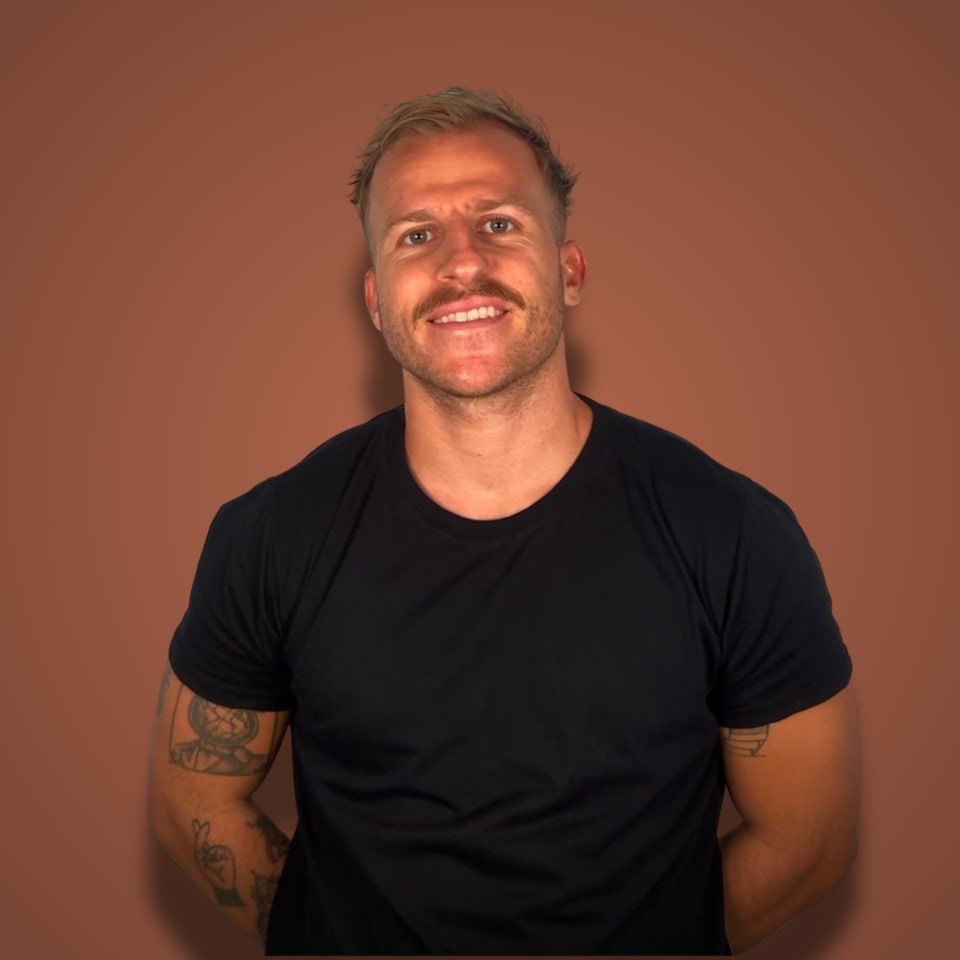
One year ago, Nathan Covey couldn't code.
Not "knew a bit of Python" couldn't code. Actually couldn't code.
Twelve months later he has two apps live, one approaching $3,000 ARR, and a tech stack he landed on after testing over 200 tools. He did it working about 20 hours a week, from a windowless closet in his house.
Starter Story's Build channel got him to walk through the exact stack on camera. I watched the whole thing and pulled out every tool and every number so you don't have to take notes.
Going from non-technical to technical in a year used to be a motivational poster. Nathan turned it into a checklist, and his version is one of the clearest I've seen.
The one-year timeline, with real numbers
Quick context before the tools, because the numbers are the point.
Nathan decided to become technical about a year ago. Since then he shipped:
→ Ebb, a Mac focus app that blocks distracting websites. His first app, built with a friend.
→ Harmony, an AI planning app. You give it a mission statement for your life, and it suggests long-term goals, weekly goals, and daily tasks. He started it last summer and it's approaching $3,000 ARR.
$3K ARR is not quit-your-job money. Nathan says so himself. But he's doing this as a part-time job, roughly 20 hours a week, and the revenue is growing while he learns.
Compare that to the standard path: spend a year "learning to code" through tutorials, ship nothing, earn $0. Nathan inverted it. He shipped first and let the products force him to learn.
The 200+ tools he tested along the way got filtered down to one stack. He judges every tool on two things: creative freedom and speed. Here's what survived.
Front end: Expo, not Swift
The first fork in the road for a new app builder: native Swift in Xcode, or React Native with Expo.
Nathan has seen people recommend Swift to beginners because "you're launching on iOS first anyway". He thinks that's a mistake, and I agree with him.
His reasons for Expo:
→ It handles App Store submission, which is genuinely more painful than anyone warns you.
→ It has prebuilt packages for camera, calendar, notifications, and most features you'd otherwise code from scratch.
→ It publishes to iOS and Android from one codebase.
→ It plays nicely with AI coding tools. Swift in Xcode mostly doesn't.
His take: the only reason to go native is if you're building a game. If you're reading this and you're still getting technical, you're not building a game.
On top of Expo he layers three packages:
NativeWind for styling. Define your colors, corner radii, and dark mode once, use them everywhere. It's why Harmony looks consistent on every screen.
React Native Reanimated for animations. Nathan calls it a basic building block of his entire app. Every open, close, and transition runs through it without killing performance.
Lottie for lightweight prebuilt animations. He uses it for the confetti when you complete a goal. Small thing, but paid apps feel paid because of small things.
Back end: Convex over Supabase, and a wasted week on auth
This is where Nathan gets opinionated, and it's the most useful section of the video.
Everyone recommends Supabase to beginners. It's the default in Lovable and Bolt. Nathan used it and moved off it, for one reason: fragmentation.
In Supabase, half your logic lives in code and half lives in the dashboard. You're constantly dancing between the two, and your AI coding tool can only see the code half.
With Convex, the entire back end lives in your codebase. When Nathan prompts Cursor, the AI sees the front end and the back end at the same time. When AI writes half your code, that full context is the whole advantage.
Convex also has prebuilt components for common integrations, which is how the rest of his back end snaps together:
→ Clerk for authentication. Nathan spent a full week trying to build his own login system for the first version of Harmony. It went badly. His rule now: never build auth yourself.
→ Resend for emails. Welcome emails, notifications, and a feedback ask when someone cancels. There's a ready-made Convex component for it.
→ OpenAI for the AI features. He's compared it with Claude for his use case and stuck with OpenAI because the platform is fast, cheap, and covers text, vision, and audio in one place.
Auth and payments. Those are the two things he says you should never build from scratch. He learned one of them the hard way.
Development: Cursor, Claude Code, and $500 of tokens for $200
Nathan's daily driver is Cursor on the $200/month plan.
Here's the detail most people miss: that plan is subsidized. In his current cycle he's used $234 worth of tokens. Last month he estimates $400 to $500 worth. He pays $200. If you're building daily, the top Cursor plan is one of the few subscriptions that pays you.
He also runs Claude Code, often inside Cursor's terminal, which he finds funny (so do I). His split:
→ Claude Code when starting from scratch. It can run for an hour unattended and hand you something real.
→ Cursor once the codebase matures, because he wants to see the diffs and stay close to the code.
The model doing the heavy lifting for him right now is Opus 4.5, which he says rocked the coding world when it dropped.
Two more workflow choices worth stealing:
He talks to his editor. Nathan uses Willow, a speech-to-text app, to dictate prompts into Cursor. He tried WhisperFlow too, prefers Willow for the snappier native app. Watching him dictate a bug report and get a fix back in one pass felt like a preview of how everyone will debug soon.
He dropped Figma for screens. His designs change so often that mocking them up first just slowed him down. He set up a design system in NativeWind once, and now tells the AI to follow it. Figma survives only for App Store screenshots and social assets.
And his project management system? An Apple Notes to-do list. Bugs and feature ideas go in, get dictated to Cursor, and get shipped. He runs a revenue-generating app without Jira or Linear ever entering the picture.
Marketing: LinkedIn converts, Apple Search Ads print
A stack that ships apps nobody downloads is a hobby. Here's what's actually moving Harmony's numbers.
Organic social, with a twist. Nathan posts on X and LinkedIn. X gives him the most impressions. LinkedIn gives him the most paying subscribers. His theory: a productivity and planning app fits the LinkedIn audience, and the feed is less brutal to break into than X. Double down where your users actually live, not where founders hang out.
Apple Search Ads. He calls this the lowest-hanging fruit in mobile, and I believe him. His best campaign targets one search: "weekly planner". Someone types that into the App Store, Harmony shows up at the top, and they're already in downloading mode. That's the highest-intent traffic an app can buy. His caveat: it works for niche terms, not broad ones like "dating app".
Screen Studio for demo videos (plug in your phone, record screen plus face, it edits everything into something pretty) and Pally for scheduling posts across platforms.
A landing page on Vercel with Next.js rounds it out, mostly for SEO and redirecting web visitors to the App Store.
If you want the aggressive version of this playbook, I broke down how to get your first 1,000 app downloads without spending a dollar.
Payments and analytics: Superwall, then PostHog, then nothing else yet
For payments, Nathan uses Superwall. It handles the in-app purchase plumbing and, more importantly, ships a library of proven paywall templates you can test without redeploying your app. He used RevenueCat before and rates it, but says Superwall's paywalls are simply better.
On analytics, he has a hot take I want to frame:
Don't obsess over analytics before you have a product people actually download.
Early on, he tracks exactly two numbers in Superwall:
→ Paywall rate. What percentage of people who download actually reach the paywall. If it's low, your onboarding is too long.
→ Conversion rate. Of the people who see the paywall, how many pay.
That's it. Everything else is premature optimization, the App Store version of A/B testing button colors at 12 users.
When you outgrow that, he recommends PostHog (he built an onboarding funnel to find his drop-off points, and the free tier is generous), AppsFlyer as your mobile measurement partner once you run paid ads (Meta can't optimize without the attribution data it sends back), and AppTweak for App Store optimization later, when the app is big enough to justify the price.
What I'd steal from Nathan
Four things stood out to me, and only one of them is a tool.
1. The closet is the strategy. Nathan learned all this from a small room with no windows, social media blocked. Remove the distractions and a year of part-time hours goes further than most people's full-time ones.
2. Speed is the moat. His words: speed is the one advantage you have over the huge company. Every tool in his stack got picked because it made him faster. Anything that slowed him down, including Figma, got cut.
3. Build what you personally want. Harmony exists because Nathan wanted it. That's what keeps him going on the hard days, and there have been hard days at $3K ARR. Same pattern as the founder who turned his own hobby into an app: wanting the thing yourself is the most durable motivation there is.
4. Ship first, learn second. Nathan didn't finish a course and then build. He built, hit walls, and learned exactly what he needed at each wall. A year later he's technical. Not tutorial-technical. Shipped-two-apps technical.
The whole stack costs almost nothing to start. Nearly every tool has a free tier or usage-based pricing, so you're spending pennies until you have users. The $200 Cursor plan is the big line item, and you only upgrade to it when you're maxing out the cheap one.
FAQ
Can you really build an app in 2026 without knowing how to code?
Yes, but "without coding" is the wrong frame. Nathan went from zero to shipped apps in a year using AI tools like Cursor and Claude Code to write the code while he learned what it did. You won't stay non-technical. You'll become technical faster than any bootcamp would get you there, because your own product is the curriculum.
What is the best tech stack for a non-technical founder building a mobile app?
Nathan's stack after testing 200+ tools: Expo with NativeWind, Reanimated, and Lottie on the front end. Convex, Clerk, and Resend on the back end. Superwall for payments, Cursor plus Claude Code for development, PostHog for analytics. Nearly all of it is free or usage-based until you have real traction.
Should I use Supabase or Convex for my app?
Supabase is more popular and works fine, but half your logic ends up in its dashboard instead of your code. Convex keeps the entire back end in your codebase, so AI tools like Cursor see everything at once. If you're building primarily with AI assistance, that single difference makes Convex the faster choice.
How much does it cost to build an app with AI tools?
Almost nothing at the start. Most of Nathan's tools have free tiers or charge pennies at low usage. His one real expense is the $200/month Cursor plan, where he uses $400 to $500 worth of tokens. Start on a cheaper plan and upgrade only when you're hitting limits every month.
Want more stories like Nathan's?
Every week on the Profitable Founder Podcast I sit down with bootstrapped founders making $100K to $10M a year and pull apart exactly how they did it. Real numbers from people a few steps ahead of you, including the mistakes they'd skip if they started over.