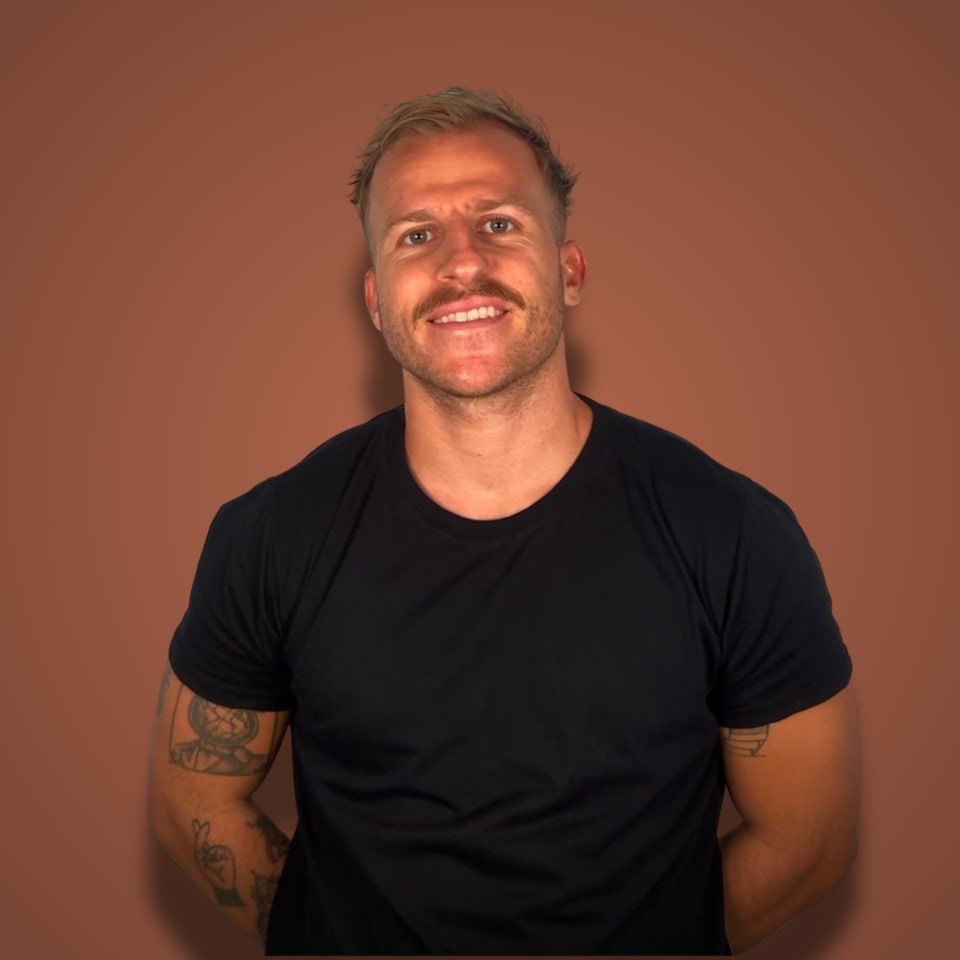
Gus had built exactly two things in his life: a URL generator and a timer app.
Total coding education: an hour or two of an online Cursor crash course.
Then he sat down, hit record, and tried to build an MVP with AI in a single session. One hour of recording later he had a working step counter running on his phone.
Not a mockup. An actual app on his actual phone, with numbers ticking up on screen.
I watched the whole episode so you don't have to (you still should, it's embedded below). Here's exactly what he did, where he got stuck, and what you can steal if you've never shipped anything.
The $1 Challenge: Why He Aimed Embarrassingly Low
Gus is the producer at Starter Story. He spends his days filming founders who make $69K/month, $140K/month, $160K/month.
His own goal? One dollar.
That's the whole premise of his $1 Challenge: use AI to come up with an idea, build an app, market it, and make his first dollar on the internet.
Most beginners do the opposite. They aim at $10K MRR before they've written a line of code, spend three months "planning", and ship nothing.
The $1 target does something sneaky: it makes the project impossible to overthink. You can't justify a six-month roadmap when the goal is a single dollar.
If you're pre-revenue, steal the constraint. Your first milestone isn't quitting your job. It's one stranger paying you anything at all.
The Idea: A Step Counter With Three Numbers
Gus didn't brainstorm 50 ideas. He remixed one tweet.
Someone had tweeted "I want a finance app with three numbers: what I spent today, what I spent this week, what I spent this month." It pulled a pile of views and quote tweets full of clean three-number mockups.
His remix: the same thing for walking. Steps today. Steps this week. Steps this month. The simplest step counting app in the world.
Here's the part most people skip over. He had a fancier idea first: a walking app with progress bars, something that tracks you "walking across the country". He killed it.
His reasoning was dead simple:
→ The apps he actually opens every day are the ones he can read in one screen.
→ The ones he ignores are the complicated ones.
→ He's a beginner, so every feature he adds is another thing that can break.
That's MVP scoping in one move: pick the smallest version you'd actually open every day, and build that.
Compare that to the walking apps he screenshotted for reference: calorie tracking, calendars, habit streaks, colorful dashboards. All of it cut.
The Stack: Four Tools, Zero Custom Setup
Gus didn't buy a boilerplate or spend a weekend configuring a dev environment. Everything he used to build an MVP with AI:
- ChatGPT played project manager. It planned the steps, explained errors, and told him what to do next.
- Cursor wrote the actual React Native code.
- Expo Go put the app on his phone. Run one command, scan a QR code, done.
- Whisper Flow, because he talked instead of typing every prompt (his words: "it's so much easier just to speak").
Plus one prep tool: Code Guide, a PRD generator he'd heard about from a Starter Story interview. More on that in a second.
The out-of-pocket cost was two AI subscriptions he already had. That's it.
Step 1: Write the PRD Before You Touch Cursor
Before generating any code, Gus made ChatGPT produce a product requirements document.
He fed it everything: the three-number concept, screenshots of the finance-app tweet, examples of clean interfaces, and one line that turned out to matter more than the rest:
"Just remember that I'm a beginner. The only tools I really know how to use are ChatGPT, Cursor, and I've heard of a tool called Expo Go."
That single sentence changed every answer he got afterward. ChatGPT stopped assuming knowledge and started giving him exact terminal commands with explanations.
The PRD came out with the app concept ("build the simplest step counting app in the world"), the core screens, and the phases. He then pasted the whole thing into Cursor as the foundation for the build.
This is the same pattern that showed up in his later episodes: plan in one AI, build in another, and keep a written spec so the builder doesn't go off the rails.
If you take one tactic from this article, take that one. Vibe coding without a spec is how you end up rebuilding the same app three times.
Step 2: Scaffold the App and Get It on Your Phone
ChatGPT told him to open a terminal inside Cursor and run the Expo starter command. Blank template. Then start the local server.
A QR code appeared. He scanned it with Expo Go on his phone and saw the default welcome screen.
His reaction was basically "I don't even know what the hell it's doing right now". He ran the commands anyway.
That's what building as a beginner in 2026 looks like: you execute steps you don't fully understand. Gus's rule for the whole episode was "trust the AI". Not because it's always right, but because stopping to understand every folder in a React Native project would have killed the momentum before the first screen rendered.
He learned the three commands that matter (create the project, start the server, Ctrl+C to kill it) and ignored the rest.
Step 3: Hit Errors, Screenshot Them, Paste Them
First real build attempt: syntax error on the phone.
No idea what it meant. So he invented the lowest-tech debugging loop imaginable:
→ Screenshot the error on his phone.
→ AirDrop it to his computer.
→ Paste the image into ChatGPT with "when I opened it on Expo Go, I see this error".
ChatGPT read the screenshot, found the problem in the numbers formatting, and fixed it. Next bug: the step numbers rendered with a weird strikethrough effect. Same loop. Screenshot, paste, fix.
Then the numbers were too small. He asked for them "a lot bigger" and got a screen he actually liked: three big numbers, day, week, month, nothing else.
He never read a stack trace or opened a Stack Overflow tab. He just forwarded pictures of errors to the tool that could read them.
(His debugging got way uglier in episode 2, when a dead dependency trapped him in what he called debugging hell. I broke down how he escaped it in my article on vibe coding debugging.)
Step 4: Fake the Data, Ship the Feel
Real step tracking means HealthKit permissions and health data APIs. ChatGPT offered two options: wire up real Apple Health data, or simulate steps with dummy numbers first.
Gus picked the fake data. React state, a timer, and the step count ticked up every 3 seconds: 9,385... 9,400.
"I'm walking fast," he joked, sitting completely still.
This is a legit product move, not a cop-out. The simulated version let him test the entire experience (layout, feel, what it's like to open the app) before touching the hardest integration. Reset logic, real health data, App Store polish: all pushed to later episodes.
A version with fake data that feels right teaches you more than a half-finished version of the real thing.
Day 0.01: He Posted It Before It Was Good
The last thing Gus did in the session had nothing to do with code.
He went on X and posted his ugly three-number screen with the caption "day 0.01 of building the next great walking app".
Not day 1. Day 0.01. He'd already scrapped one earlier attempt ("it sucked", his words) and started over publicly anyway.
His logic: "if I'm not telling anyone about it, then it's kind of pointless."
He's right, and most builders get this backwards. They want the product finished before anyone sees it. Then launch day arrives and exactly zero people are waiting.
Gus started the audience on day 0.01 with a screenshot of three numbers. By episode 4 that habit turned into a Reddit post with 19,000 views (I covered that playbook in how he promoted his app on Reddit).
What the First Hour Actually Bought Him
Scoreboard after one recorded hour:
→ A working React Native app on his phone
→ Three big numbers with simulated live data
→ A written PRD guiding the next sessions
→ His first public build-in-public post
No revenue yet. The dollar came much later, and the road there ran through debugging hell, a TestFlight launch, and 15 Reddit posts in an hour.
But every one of those later wins traces back to this session, because he started stupidly small and shipped anyway.
I've interviewed a lot of founders on the podcast, and the pattern holds at every level: the ones who make it ship embarrassing first versions fast. The ones who stall are still picking a tech stack.
FAQ
Can you build an MVP with AI if you can't code?
Yes. Gus had built only a URL generator and a timer app before this, and he got a working mobile app on his phone in one recorded hour using ChatGPT and Cursor. The catch: you're trading understanding for speed. Expect to run commands you don't fully get, and expect debugging to be your biggest time sink once the app grows.
What tools do you need to build an MVP with AI?
Gus used four: ChatGPT for planning and debugging, Cursor for writing the code, Expo Go for previewing the app on his phone, and Whisper Flow for voice input. He also generated a PRD with Code Guide before building. You can start with just ChatGPT and Cursor; Expo Go matters only if you're building mobile.
How long does it take to build an MVP with AI?
The first working version took Gus about one hour of recorded building: scaffold, three-number screen, simulated live data. A real product takes longer. His full arc from this session to a launched app with actual users ran across weeks of episodes, most of it spent on debugging and distribution, not the initial build.
Should your MVP use fake data?
If the real data source is your hardest integration, yes. Gus simulated step counts with a timer before touching Apple Health, which let him test the design and feel first. Once the concept proved worth it, the real integration became a later episode's problem instead of a day-one blocker.
Watch Founders Who Got Past $1
Gus's challenge is fun because it starts where everyone actually starts: no skills, no audience, one dollar.
The next question is what the road from $1 to $100K MRR looks like.
That's the whole point of the Profitable Founder Podcast. Every week I sit down with bootstrapped SaaS founders making $100K to $10M a year and pull out the exact playbooks: pricing, distribution, the mistakes that cost them months.