
Good SaaS products still lose customers when the first win takes too long. Most founders also overestimate what a free plan can handle. Across the tools reviewed for this shortlist, the median disclosed free tier supports only 14 users. Here are the strongest SaaS customer onboarding options, matched to the teams and workflows they actually fit.
1. Profitable Founder Podcast
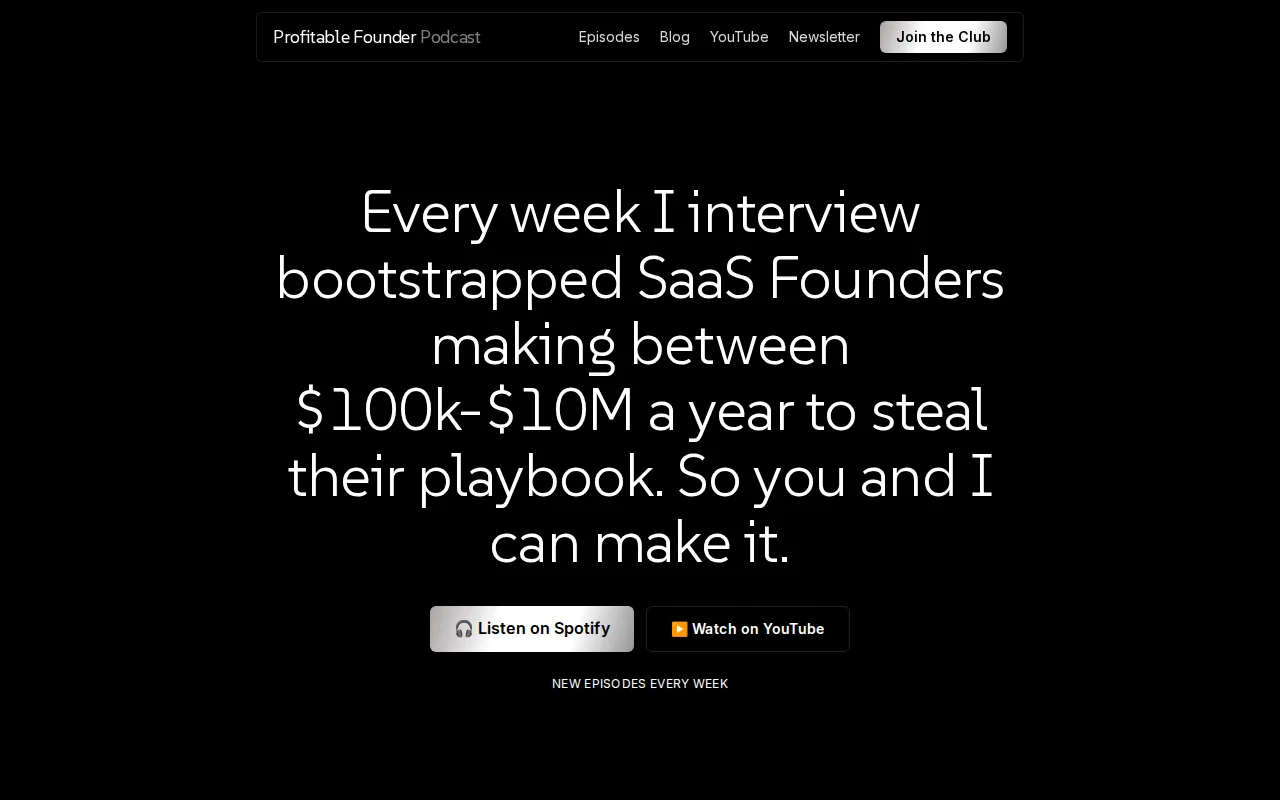
Every week, Florian Darroman interviews bootstrapped SaaS founders making between $100K and $10M a year. The focus is the playbook behind their growth, not vague startup theory.
That makes the podcast useful before you buy another tool. A founder can hear how another company defines activation, handles a sales-to-success handoff, or finds the first product moment that predicts retention. Those details help you avoid copying an enterprise workflow when your team has two people and a thin margin.
The private Profitable Founder Club adds a peer layer for SaaS founders doing $5K to $50K MRR. That matters when onboarding is stuck because of a business decision, such as poor customer fit, unclear pricing, or a promise the product can't yet deliver.
Use this option when you need sharper judgment before software. A podcast won't track overdue tasks or send reminders. It can, however, help you decide which outcome your onboarding process should drive.
If you're building a peer circle around that work, compare best SaaS mastermind programs by founder stage, format, and the kind of help members exchange.
2. LaunchBay, Fast, Automated Onboarding for Scaling B2B SaaS
LaunchBay is a client portal and delivery system for scaling B2B SaaS teams with implementation work. It fits teams that need to collect information, track customer tasks, and grow capacity without adding project staff.
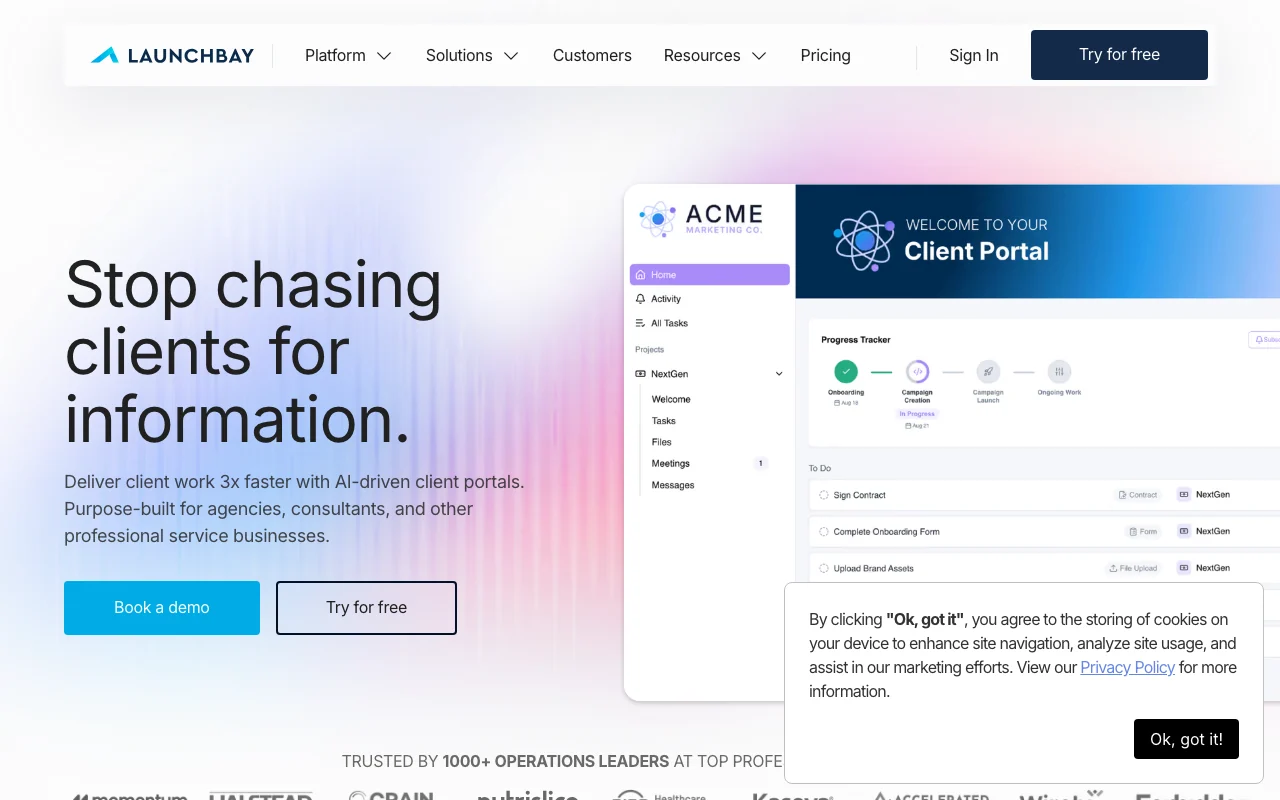
Its strongest use case is the messy stretch after a deal closes. LaunchBay can show the live status of forms, files, approvals, and assigned work in one place. It also supports branded client portals, structured requests, reminders, conditional forms, and reusable workflow templates.
The vendor says its system can go live within days and update client workflows without vendor involvement. That is a useful distinction for a small SaaS team. You can change a checklist after learning that customers keep missing the same setup task, then reuse the revised version.
Automation is also tied to the customer journey. Triggers can advance stages when work is done, while stalled projects can flag the owner.
The caveat is fit. LaunchBay is aimed at post-sale delivery and onboarding. A team looking mainly for complex enterprise sales management may need another system before the handoff.
Pick it when your bottleneck is customer inaction, scattered files, or the hours spent chasing routine information.
3. RocketLane, Configurable Enterprise Implementations
RocketLane is a professional services automation platform for enterprise teams with dedicated project management resources. It fits complex implementations where resource planning, project visibility, and backend configuration matter.
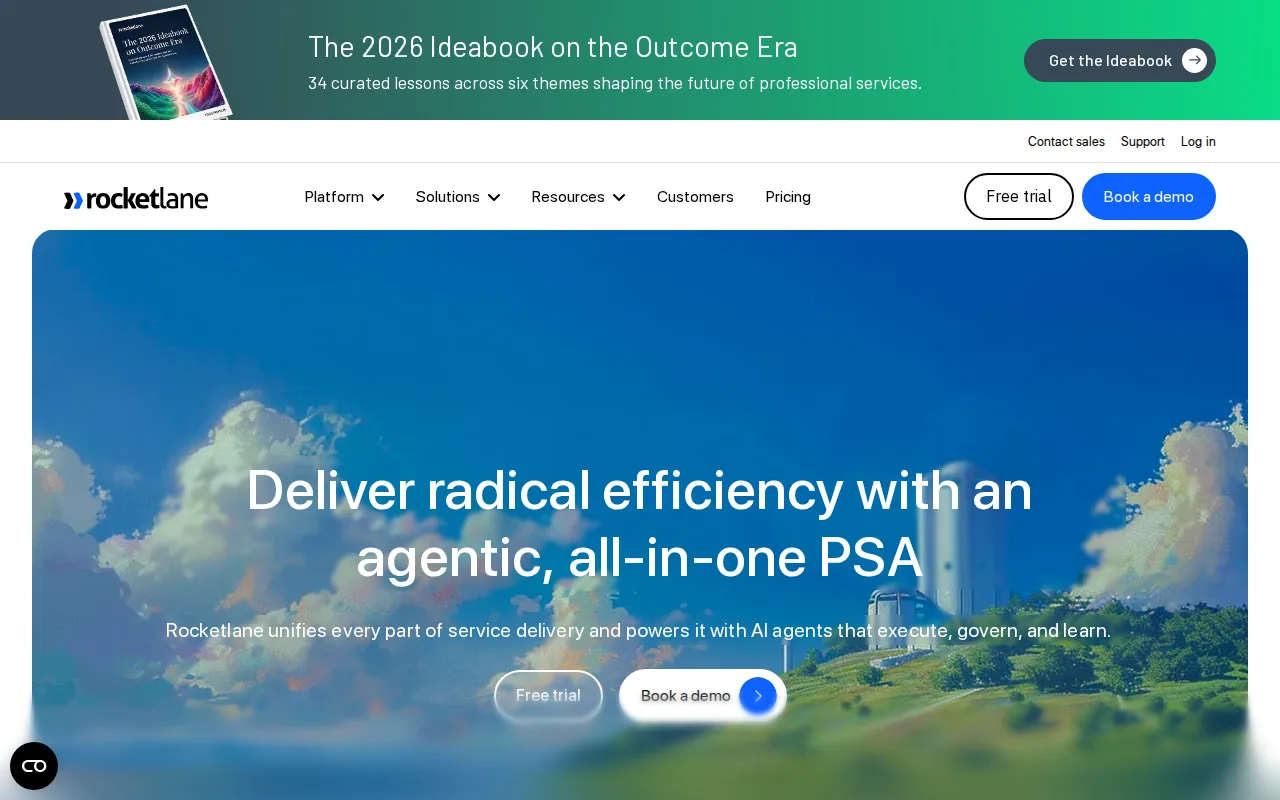
The product is built around templates, shared customer views, task reminders, reporting, and resource tracking. It also lists connections with tools such as Salesforce, HubSpot, Slack, Jira, and customer success systems. That makes it a candidate for teams where onboarding touches several internal groups.
RocketLane's customer onboarding model is more hands-on than a self-serve product tour. A customer may have to complete setup, data work, training, testing, and go-live tasks across several weeks. The shared view helps both sides see what is late and who owns the next action.
Its trade-off is setup weight. It is better suited to enterprise-scale organizations with dedicated project management resources, flexible implementation timelines, and complex backend customization needs than to a founder-led SaaS business.
Choose RocketLane when onboarding looks like professional services delivery. Skip it when you only need a short in-app checklist.
4. OnRamp, Governance for Structured Enterprise Rollouts
OnRamp is an enterprise onboarding platform for long, coordinated rollouts with many stakeholders. It suits large SaaS teams that need governance, clear ownership, reusable playbooks, and portfolio-level reporting.
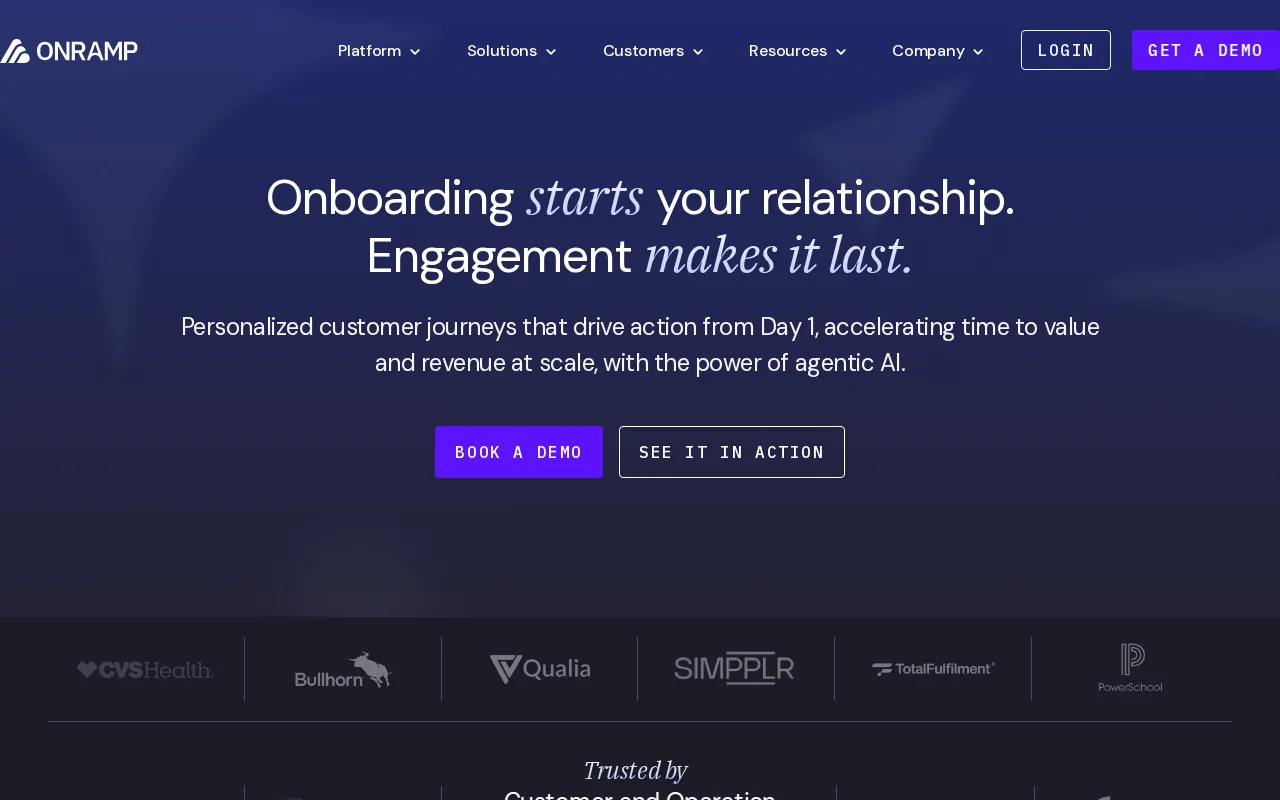
Its workflow model can assign tasks by role, guide customers through conditional paths, and show deadlines across active accounts. OnRamp also describes dashboards that surface project health, resource use, risks, and next steps. This helps a delivery leader spot a stalled account before the renewal team discovers the problem.
The platform also positions AI agents as a way to monitor active accounts, re-engage customers who go quiet, and generate playbooks from plain-language descriptions.
OnRamp is strongest when onboarding needs control. A healthcare, finance, or other regulated buyer may need clear records of who owns each task and when a milestone moved. A small team with ten customers may find that level of governance unnecessary.
Pricing and vendor-led deployment are the main barriers. Enterprise budgets can be $15,000 or more per year, so this belongs on a serious enterprise shortlist, not an early-stage shopping list.
5. GuideCX, Linear Project-Based Onboarding
GuideCX is customer onboarding software for teams whose implementations follow a known sequence. It fits enterprise software companies that move customers through defined tasks, milestones, training, and launch work.
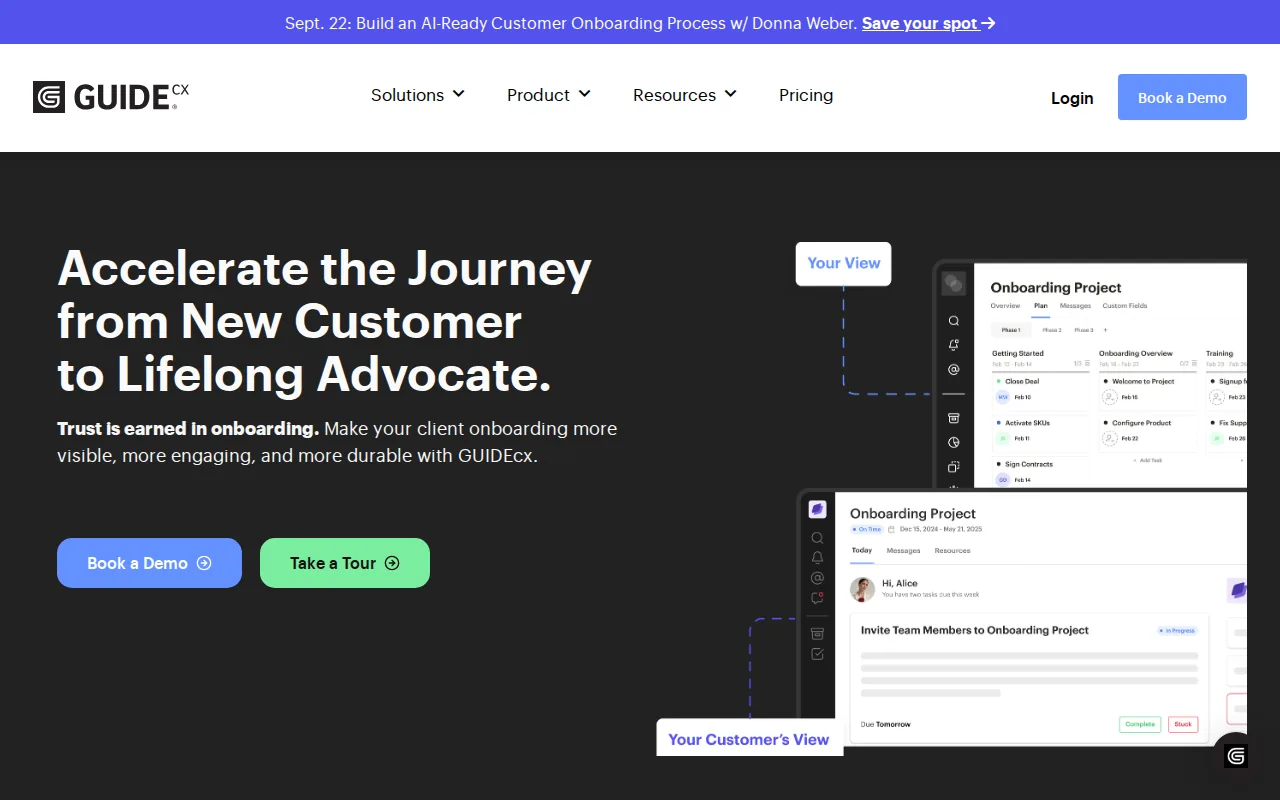
The platform gives customers a shared workspace where they can see tasks, dates, progress, and messages without seeing internal work. It also supports automated emails, responsive customer views, CRM triggers, and templates for repeatable projects.
That linear model is the point. If every customer needs the same data import, configuration check, training session, and go-live review, a template can reduce the effort of starting each project. GuideCX also describes AI agents that identify risks and project forecasts based on live project data.
File review, approvals, or signing may require outside tools. Teams with creative or non-linear implementations should test the customer view before committing.
GuideCX makes sense when predictability is a feature. If each account is a new consulting project, its structure may feel restrictive.
6. Moxo, Configurable Client Portals for Complex Workflows
Moxo is a configurable client portal for mature organizations with complex workflows and a need for a polished customer workspace. It is best for teams that have the budget and staff to manage detailed configuration.
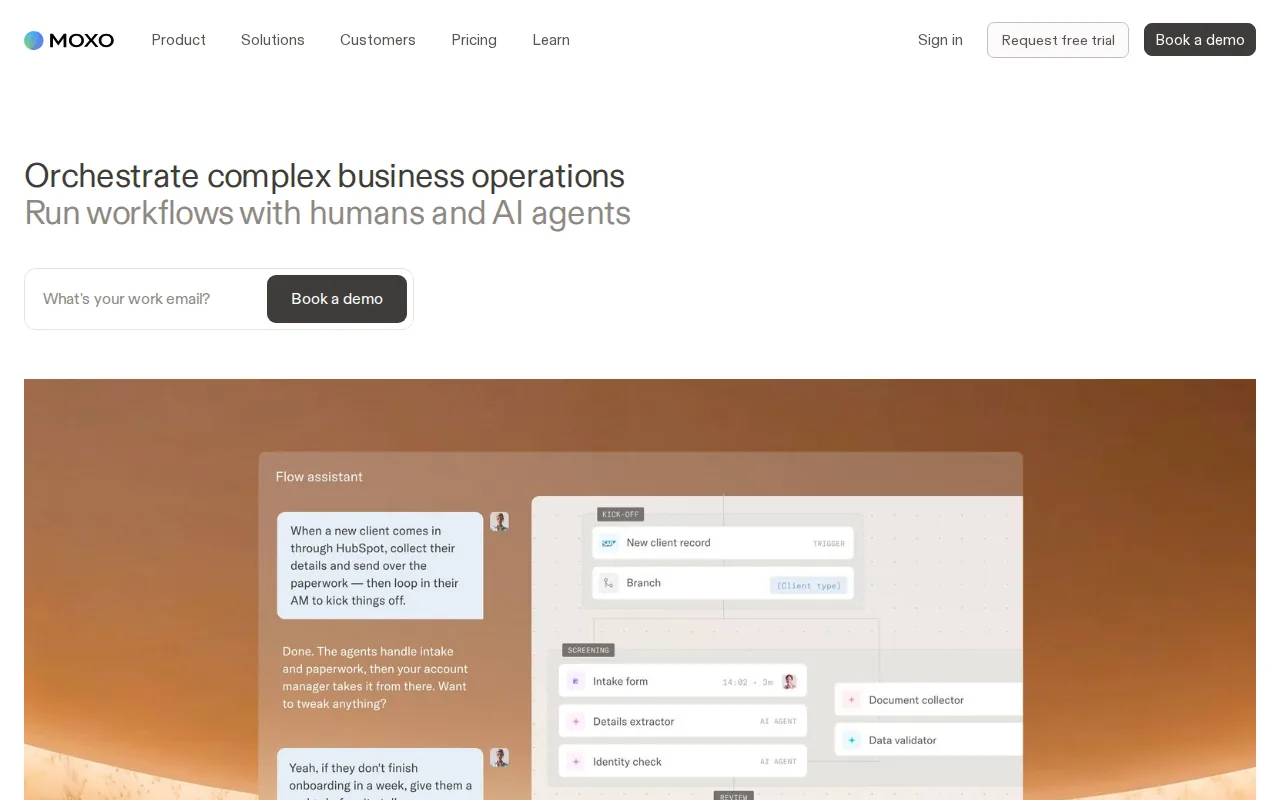
Moxo's onboarding use case covers kickoff, needs assessment, setup, training, testing, deployment, and follow-up.
Think about a financial services customer rolling out a new system. The admin may need configuration help. End users may need task training. Security staff may need to review controls. A shared portal can keep those workstreams together while still giving each person a relevant path.
The catch is complexity. Simple onboarding can take too much setup if every role, party, condition, and step needs configuration. Communication can also remain split across the portal, email, and other team channels.
Moxo is a fit for mature operations. It is a poor first tool for a founder who still changes the onboarding process every week.
7. Dock, Buyer-Facing Deal Rooms and Mutual Action Plans
Dock is strongest when the sales team needs a buyer-facing deal room and mutual action plan. It can support the transition from active deal to implementation, but its center of gravity is closer to the sales stage than a full post-sale operating system.
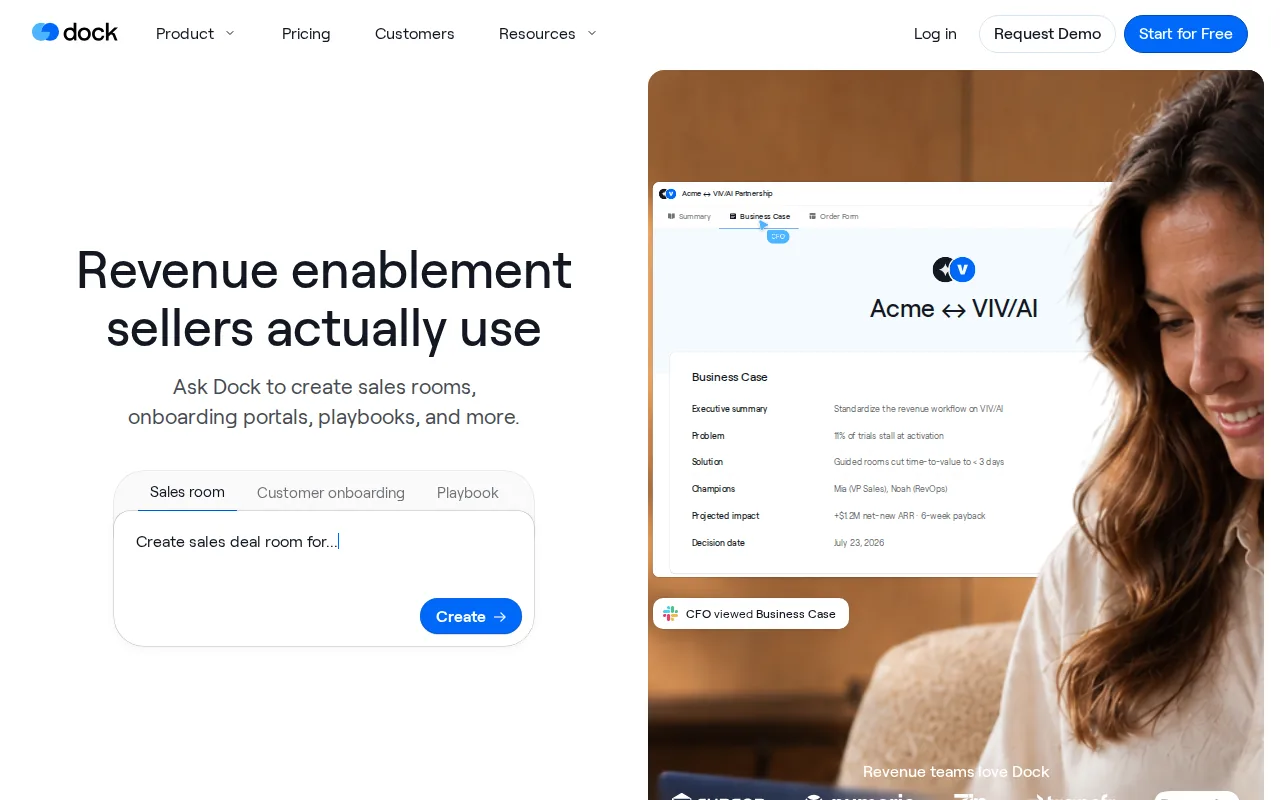
The useful idea is shared accountability. The buyer can see the plan, resources, next actions, and target dates. That gives sales and customer success a common place to preserve the commitments made during the deal.
Use Dock when the handoff problem starts before the contract is signed. For example, the sales team may need the buyer to complete security review, provide stakeholder details, or agree on an implementation date. A mutual plan makes those commitments visible instead of leaving them in meeting notes.
Dock is less compelling when your main problem is deep implementation management. Review its post-sale workflow carefully if you need detailed dependencies, complex forms, or deep delivery reporting.
Choose it when buyer alignment is the gap. Choose a dedicated implementation platform when delivery control is the gap.
8. Arrows, HubSpot-Connected Onboarding Workflows
Arrows is a HubSpot-connected onboarding tool for teams that want customer plans tied to CRM records and pipeline stages. It is best for HubSpot-first companies that need a lightweight collaborative layer.
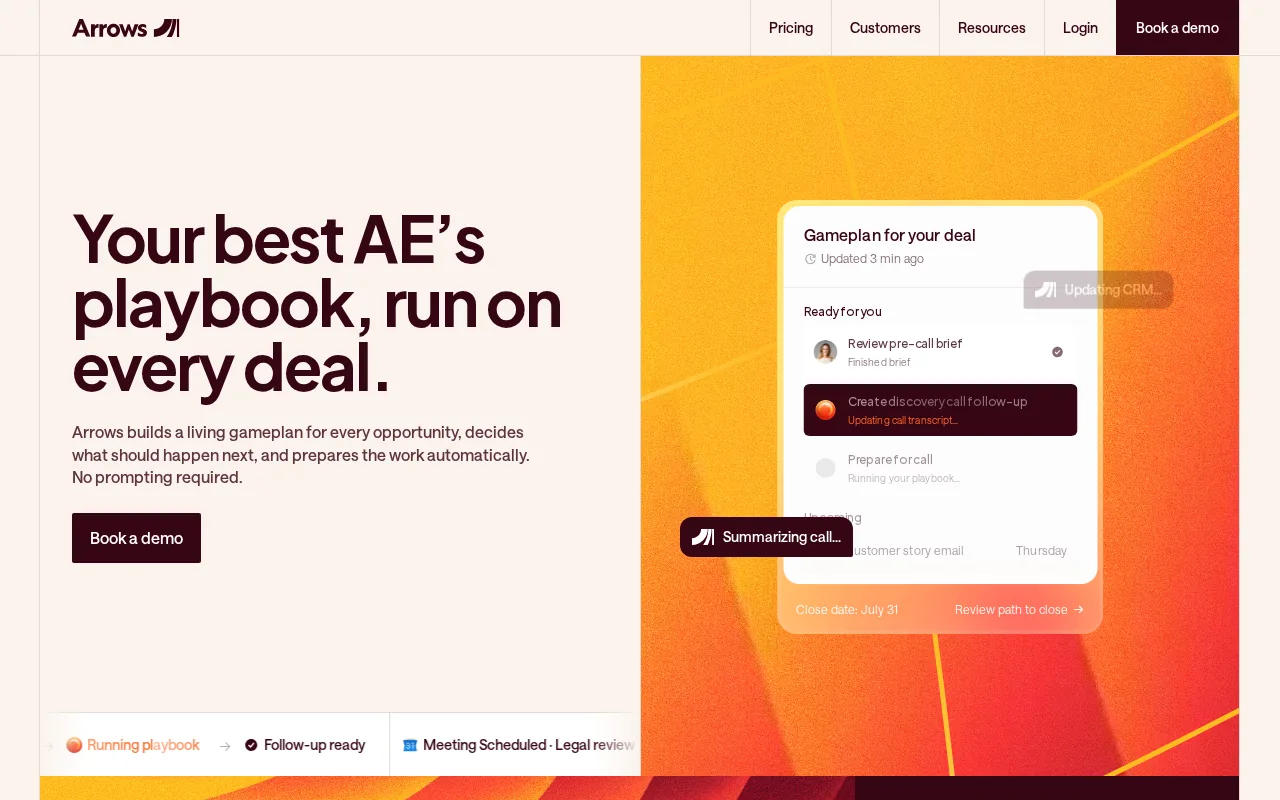
Its plans can guide customers through tasks in a set order while the internal team works in HubSpot. CRM properties can reflect plan status, overdue tasks, health, and the current task. That gives operators a way to build onboarding reports without asking the team to update a second internal system by hand.
The reporting model is useful for a small customer success team. A manager can look for accounts with overdue tasks, missing plan links, or unhealthy progress. The system can then point to the owner and the next action instead of showing only a red health score.
Arrows is intentionally human-led. It helps a customer understand what to do next, but it does not try to remove every live touchpoint. That is a good match for B2B SaaS where the same repeatable plan still needs some account-specific judgment.
The limitation is ecosystem fit. If your team does not use HubSpot as its main CRM, the core advantage gets smaller. If you're already in HubSpot, Arrows deserves a close look.
9. Guideflow, Interactive Product Experiences Without Code
Guideflow is an interactive demo platform for product teams and customer success teams that need to teach users outside the live product. It fits onboarding where a customer, prospect, or new stakeholder may not be ready to log in.
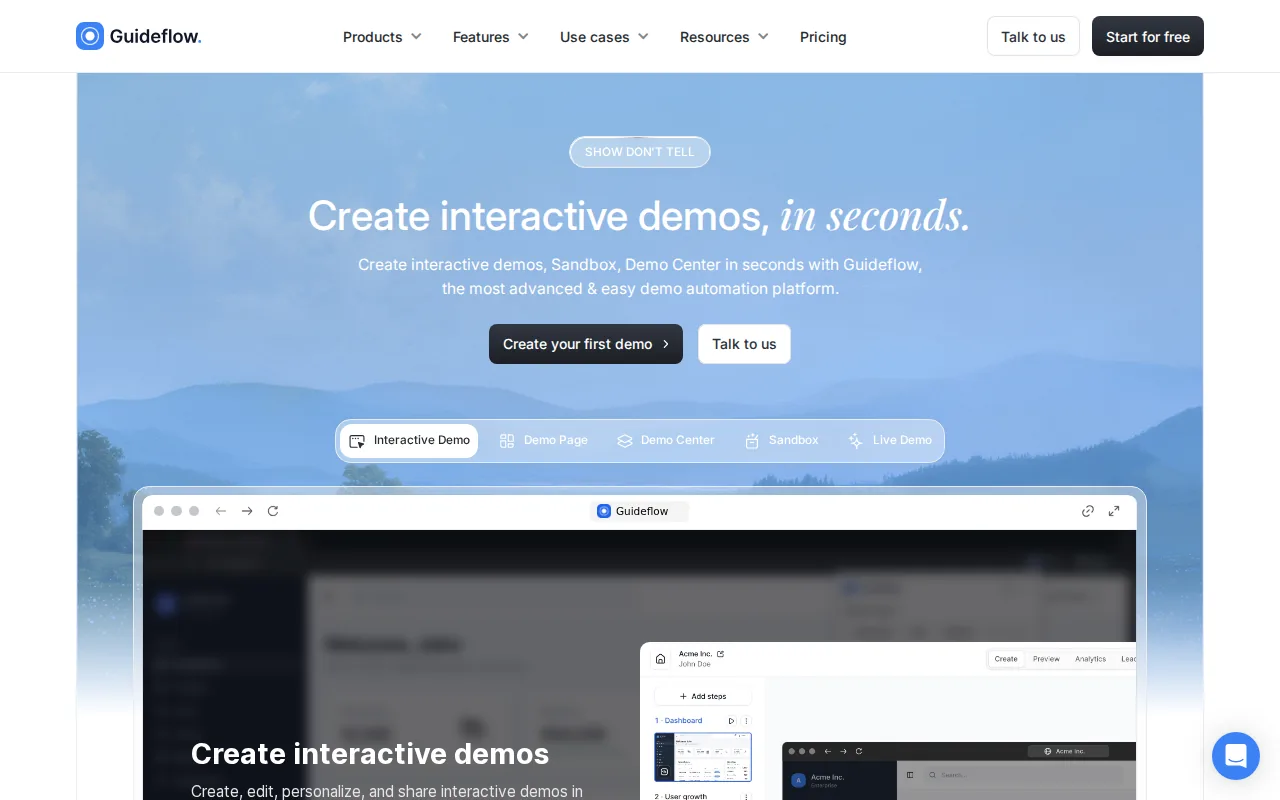
You can capture a product flow and turn it into a clickable walkthrough. The guide can then live in an email, help center, knowledge base, Notion page, or onboarding sequence. That makes it useful for new champions who join an account after the first implementation call.
Guideflow also supports personalization through account or segment data. A CSM can show a finance buyer one path and an operations buyer another, instead of sending both people through the same feature tour.
The caveat is scope. Guideflow teaches a workflow. It does not replace a project plan for data migration, security review, or customer-owned tasks. Use it as the education layer beside a portal or CRM workflow.
10. Userpilot, In-App Onboarding Plus Adoption Analytics
Userpilot combines in-app guidance with product analytics, feedback, and adoption tracking. It fits product-led teams that want to see where users drop out, then change the onboarding flow without waiting for engineering.
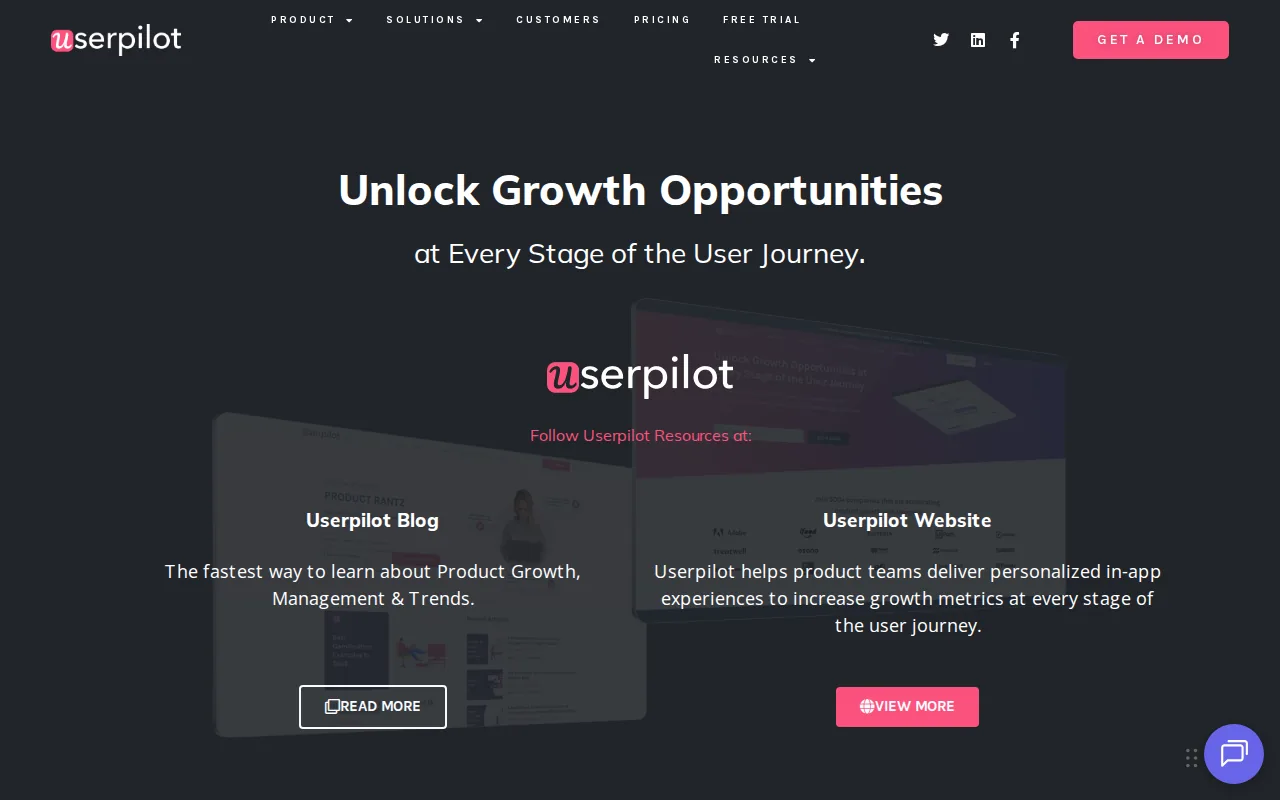
The platform supports behavior-based segments, interactive guides, resource centers, triggered emails, and experiments. A product team can guide an admin toward setup while showing an end user the daily workflow that matters to their role.
That analytics layer is the main reason to consider Userpilot. You can connect a drop-off point to a targeted guide, then watch whether the same step improves. The approach is more useful than judging a tour by completion clicks alone.
The trade-off is learning curve. If you only need one welcome tour and a short checklist, the wider analytics system may be more than you need.
11. Appcues and UserGuiding, Lightweight No-Code Product Tours
Appcues and UserGuiding are lightweight choices for in-app onboarding. They fit teams that need to publish product tours, checklists, tooltips, or guides without turning every copy change into an engineering task.
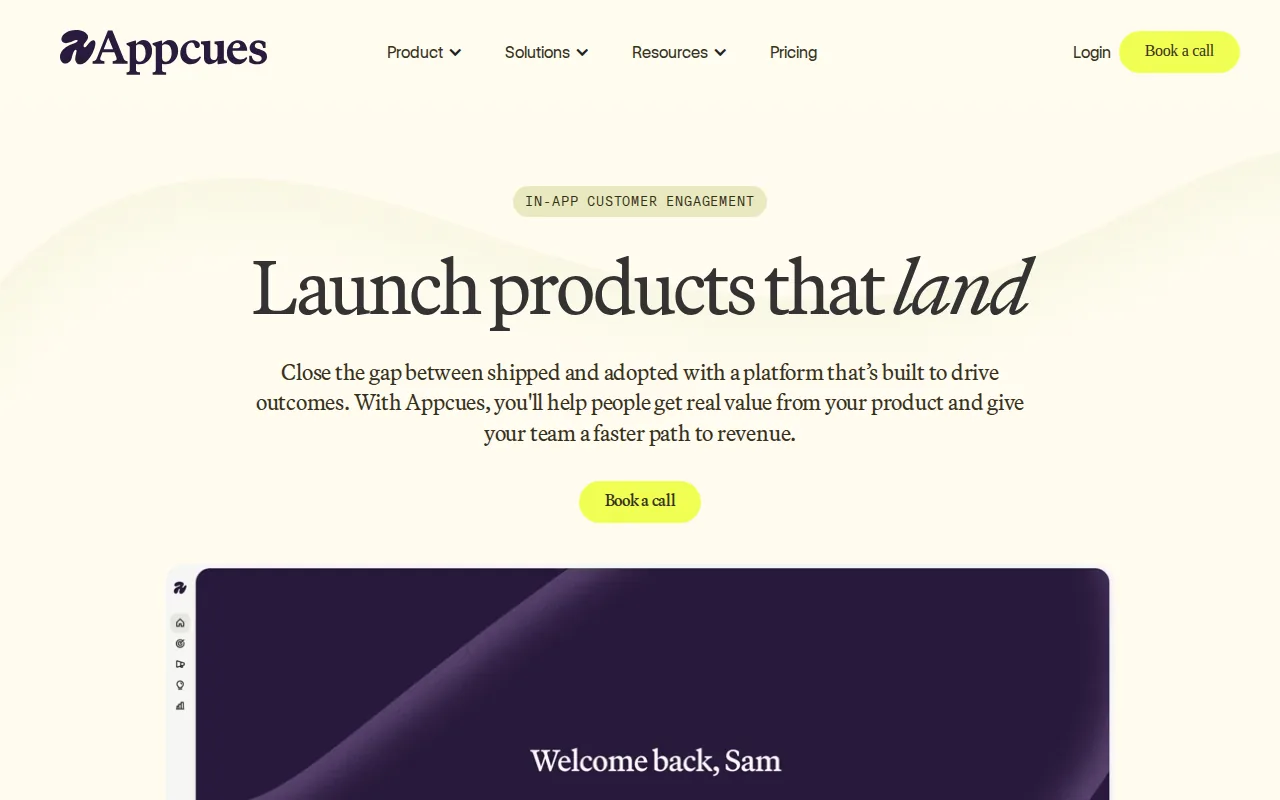
Appcues is aimed at teams that want polished in-app flows with behavioral targeting and broad integrations. It works well when different roles need different paths, such as an admin setup flow versus an end-user task flow. Its main limitation is that it works inside the product, so it cannot replace a pre-login implementation plan.
UserGuiding is aimed at smaller teams that want a quick start without a heavy platform. UserGuiding offers a free tier, which can lower the barrier to testing a basic flow. Treat that offer as a way to validate the pattern, not proof that a free plan will support a large rollout.
That warning matters across this category. Free-tier availability and limits vary, so average seat counts can give a misleading picture.
Pick Appcues when you need more targeting and channel breadth. Pick UserGuiding when speed and low starting friction matter more than a broad operating layer.
SaaS Customer Onboarding Tools Compared
The right choice depends on where work breaks. In-app tools help a user act inside the product. Portals help a customer complete shared implementation work. Founder resources help you define the outcome before you automate it.
| Option | Best fit | Primary onboarding surface | Main watch-out |
|---|---|---|---|
| Profitable Founder Podcast | Founders shaping the playbook | Founder interviews and peer learning | Does not run task workflows |
| LaunchBay | Scaling B2B SaaS delivery teams | Client portal and automated requests | Less suited to complex pre-sales work |
| RocketLane | Enterprise implementation teams | Project and resource management | Higher setup overhead |
| OnRamp | Large, governed rollouts | Structured playbooks and dashboards | Enterprise budget and deployment effort |
| GuideCX | Predictable implementations | Linear customer workspace | Less flexible for changing scope |
| Moxo | Mature complex workflows | Configurable client portal | Heavy configuration |
| Dock | Sales-led buyer alignment | Deal room and mutual plan | Post-sale depth may be limited |
| Arrows | HubSpot-first teams | CRM-linked onboarding plan | Best value depends on HubSpot use |
| Guideflow | Async product education | Interactive demo | Does not manage implementation tasks |
| Userpilot | Product-led growth teams | In-app guidance and analytics | More complexity than simple tours |
| Appcues or UserGuiding | Fast no-code in-app flows | Product tours and checklists | Limited outside the product |
Don't buy the broadest platform by default. A founder-led product may need one activation event and a short flow. An enterprise implementation may need customer ownership, dependencies, security work, and executive reporting.
What to Look for in SaaS Customer Onboarding
Start with the first measurable customer outcome. It might be a report generated, an integration connected, a teammate invited, or a workflow completed. A tour is only useful if it moves the customer toward that event.
Then map the journey before choosing software. Use five phases:
- Pre-onboarding: confirm the buyer's goal, stakeholders, data needs, security questions, and success measure.
- Welcome: send one clear next action. Ask only for information needed to begin.
- Product walkthrough: show the shortest path to the first useful result. Use an interactive guide when a live call would repeat the same explanation.
- Success milestones: track customer-owned tasks beside your own work. Tie each milestone to an outcome, not a completed checkbox.
- Ongoing engagement: watch product use after launch. Bring in a human when the account is blocked, confused, or strategically important.
Assign ownership by role. Sales owns the promise and handoff. Customer success owns the outcome plan. Product owns in-app guidance. Support owns repeat questions. Someone must own the weekly view of stalled accounts.
Track a small KPI set:
| Metric | What it tells you | Useful question |
|---|---|---|
| Time to first value | How long the first useful result takes | Where does the customer wait? |
| Milestone completion | Where customers stop moving | Which task has the largest drop? |
| Activation rate | How many customers reach the defined first win | Does the event predict repeat use? |
| DAU or MAU | How often users return | Are activated users using the core workflow? |
| CSAT or CES | How customers rate the process | Which step feels hardest? |
| Early churn | Accounts lost soon after purchase | Did they ever reach value? |
Automation should handle predictable work. Send the welcome email when the account is created. Trigger a reminder when a task is late. Show an in-app guide after a user reaches the relevant screen. Keep humans in the loop for goal setting, sensitive issues, poor sentiment, and unusual implementations.
For the founder side, a peer group can expose problems your dashboard won't. Profitable Founder Podcast is useful here because the conversations stay close to MRR, customer fit, distribution, and the decisions behind growth. Founders who want structured peer support can also review the Profitable Founder Club as a separate resource.
Keep the playbook modular. Make one template for a small self-serve account. Make another for a high-touch implementation. Put reusable assets in a shared knowledge base, then review one onboarding cohort each week. If customers keep stopping at the same task, fix that task before adding another tool.
FAQ
What is SaaS customer onboarding?
SaaS customer onboarding is the process of moving a new customer from purchase or signup to a measurable product outcome. It can include account setup, data work, training, stakeholder alignment, product guidance, and go-live support. The right scope depends on whether the product is self-serve or requires a multi-team implementation.
What is the best tool for SaaS customer onboarding?
The best tool depends on the bottleneck. Use LaunchBay or GuideCX for customer-facing implementation work, Arrows for HubSpot-linked plans, Guideflow for interactive education, and Userpilot for in-app guidance with analytics. If the playbook itself is unclear, start with Profitable Founder Podcast before buying software.
How do I measure onboarding success?
Measure onboarding success by tracking time to first value, activation, milestone completion, product usage, customer effort, satisfaction, and early churn. Define one product-specific first win before changing the flow. A completed tour is not enough if the customer still has not reached the outcome they paid for.
Should SaaS onboarding be automated?
SaaS onboarding should automate repeatable, low-context work while keeping human help for judgment-heavy moments. Automate reminders, welcome messages, standard setup prompts, and behavior-based guidance. Keep live support for goal alignment, security concerns, complex data work, stalled strategic accounts, and negative customer feedback.
Are free onboarding tools enough for a SaaS startup?
Free onboarding tools can be enough for testing a simple flow, but they often have tight user or feature limits. Check seats, event limits, integrations, and branding before planning a full rollout. Start small, then price the next growth stage before adoption makes switching painful.
Conclusion
Start with one first-value event, then choose the smallest tool that can move customers to it. For founder-led SaaS, use Profitable Founder Podcast to sharpen the playbook, review ten recent onboarding journeys, and fix the biggest delay before adding another platform.